Mochi
A downloadable Desktop pet for macOS
Meet Mochi 🫧 — a little pink blob who lives on your screen.
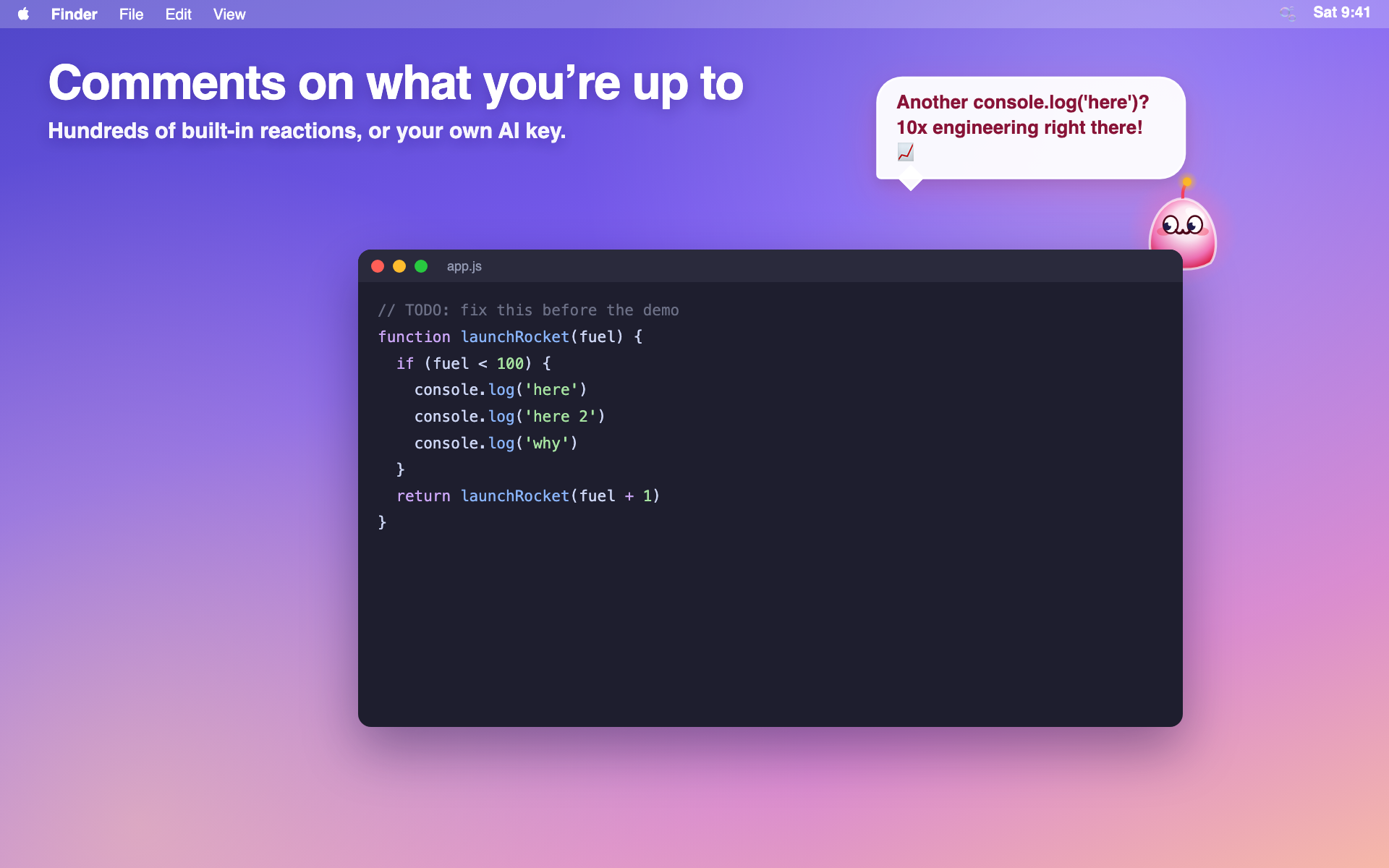
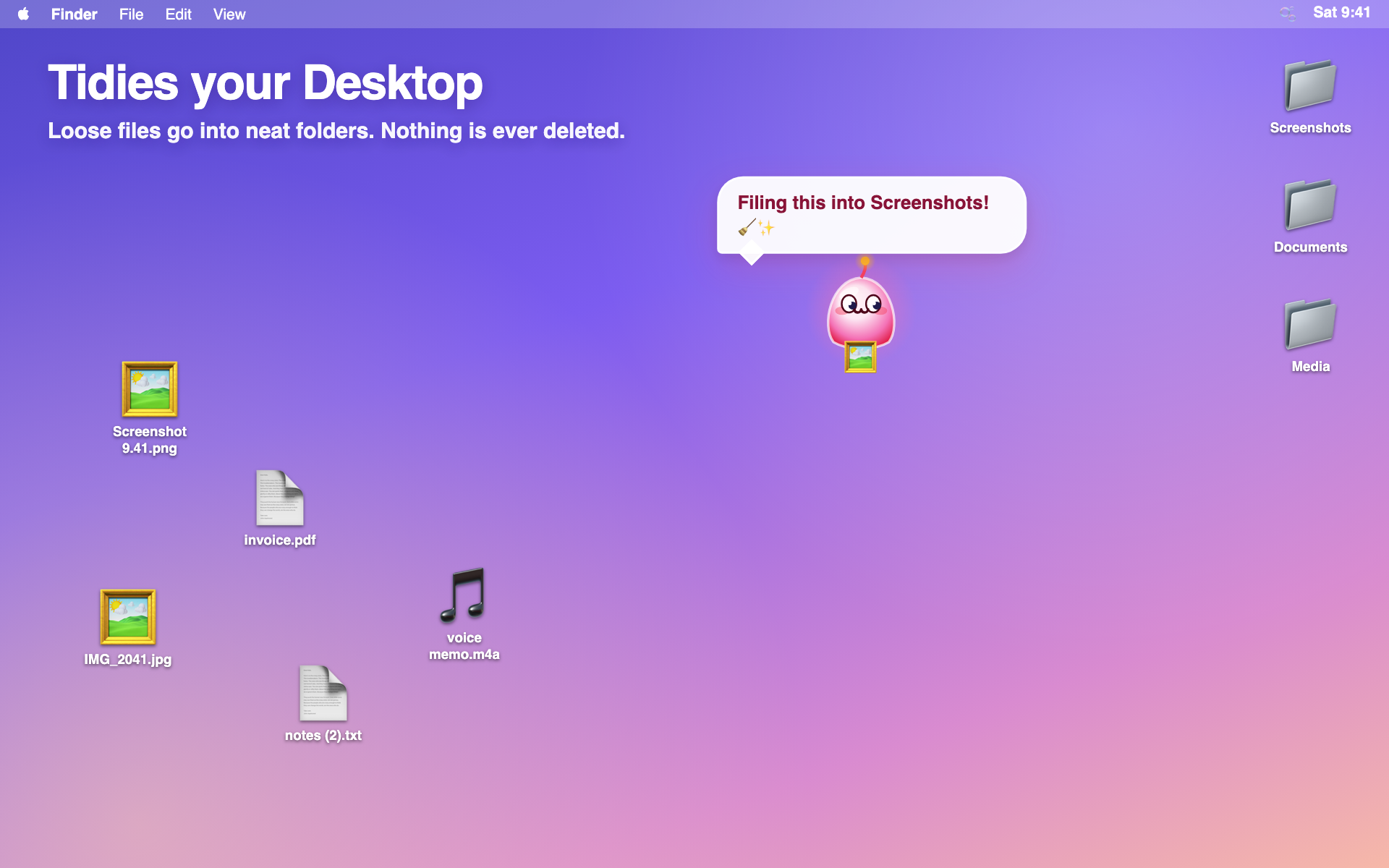
Mochi floats around while you work, reacts to what you're doing, naps now and then, and — if you let it — keeps your Desktop tidy by carrying loose files into folders like Screenshots, Documents and Media.
What Mochi does
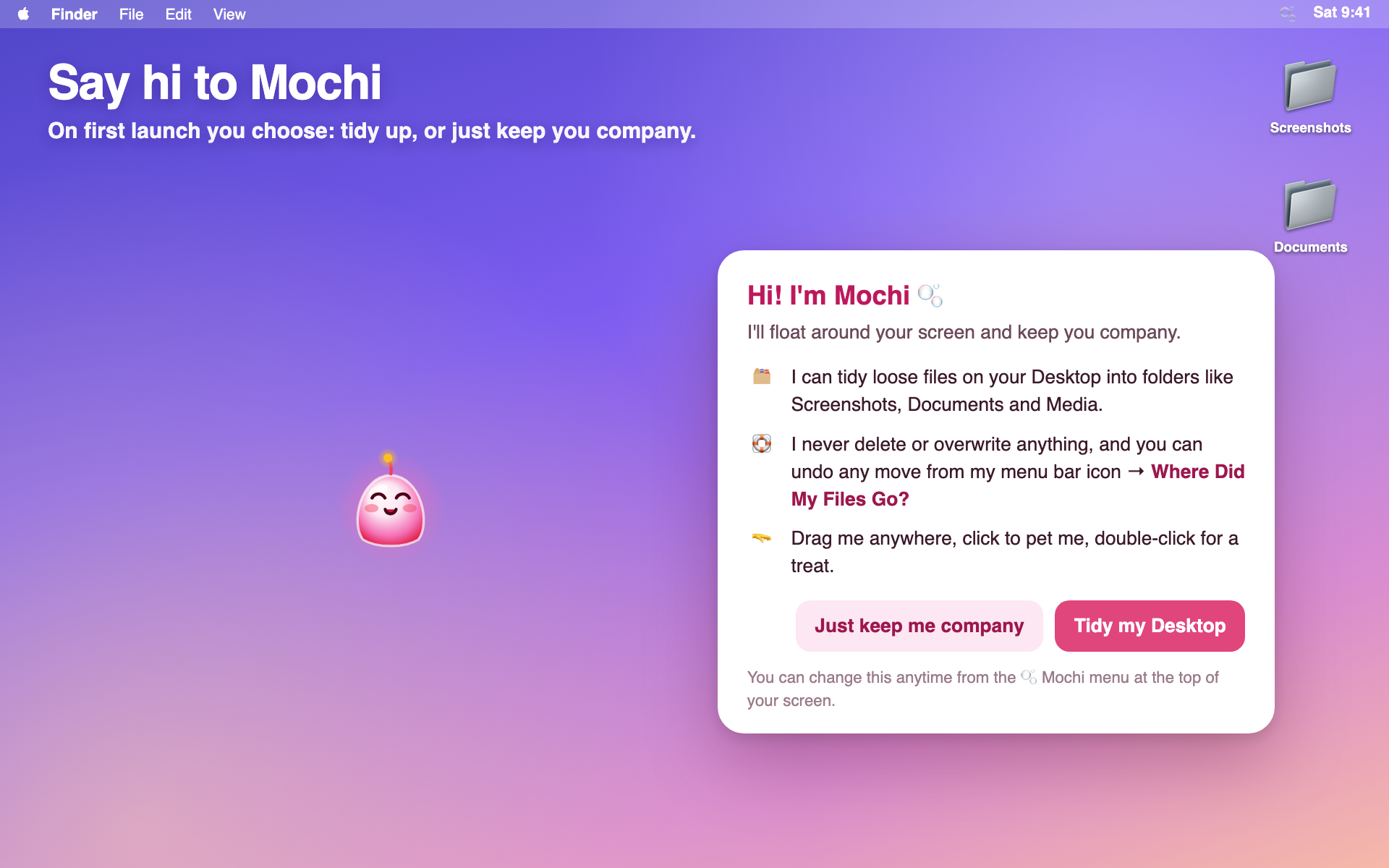
- 🗂️ Desk Patrol — flies to loose Desktop files and files them away, one by one. It never deletes or overwrites anything, and every move can be undone from the menu bar (Where Did My Files Go?). Don't want it? Choose "Just keep me company".
- 💬 Hundreds of reactions to the apps you use, how long you've been working, and late nights.
- 🤖 Optional AI comments with your own Claude, ChatGPT or Gemini key.
- 🫳 Drag Mochi anywhere, click to pet, double-click for a treat.
Mochi Pro (try it free for 30 minutes)
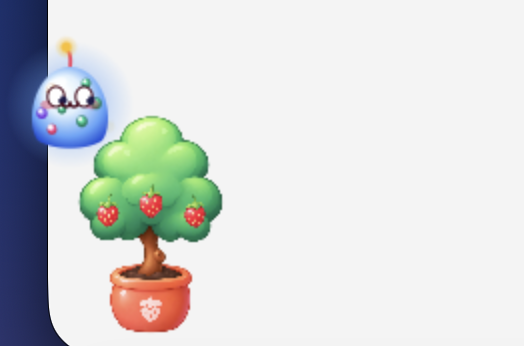
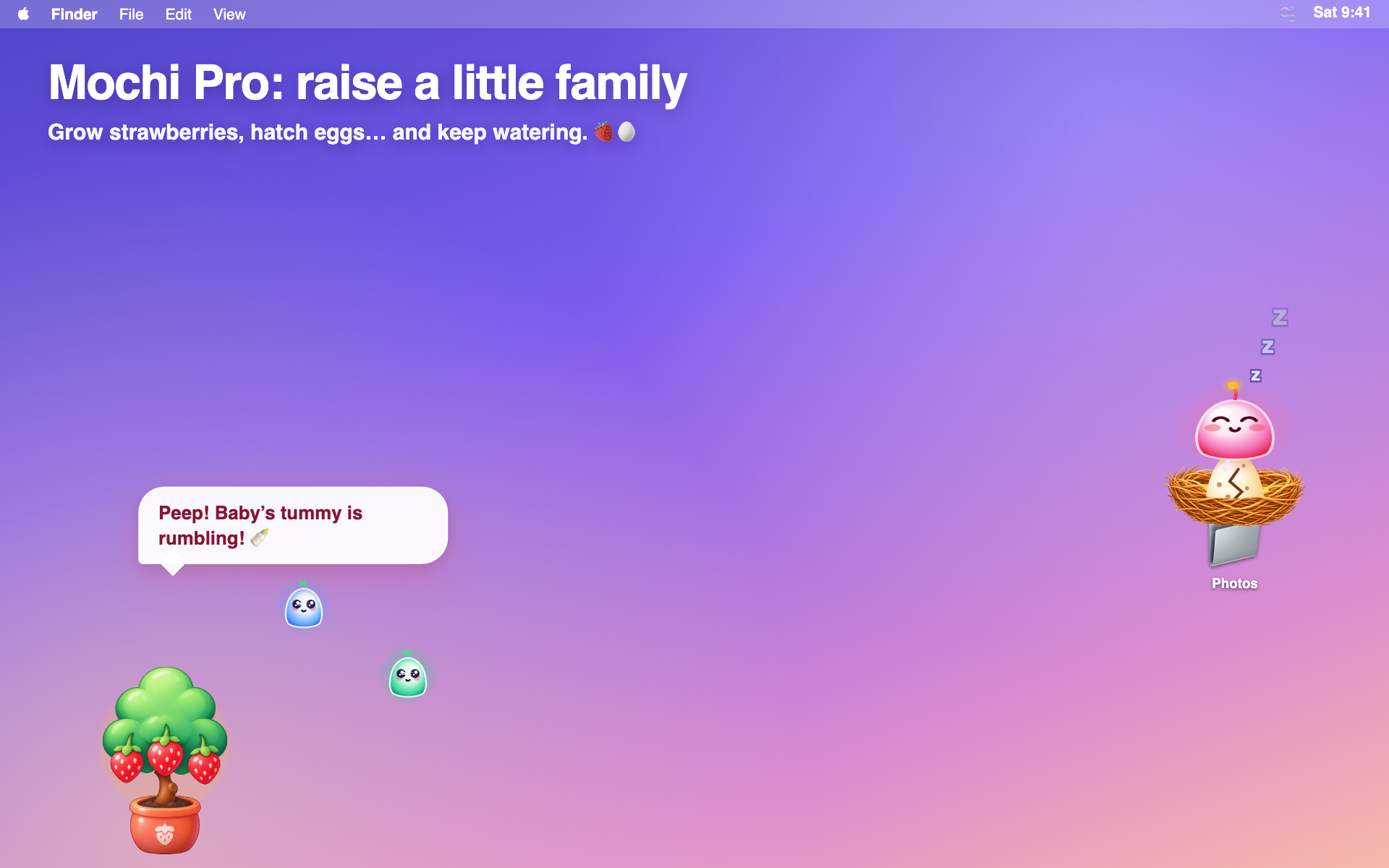
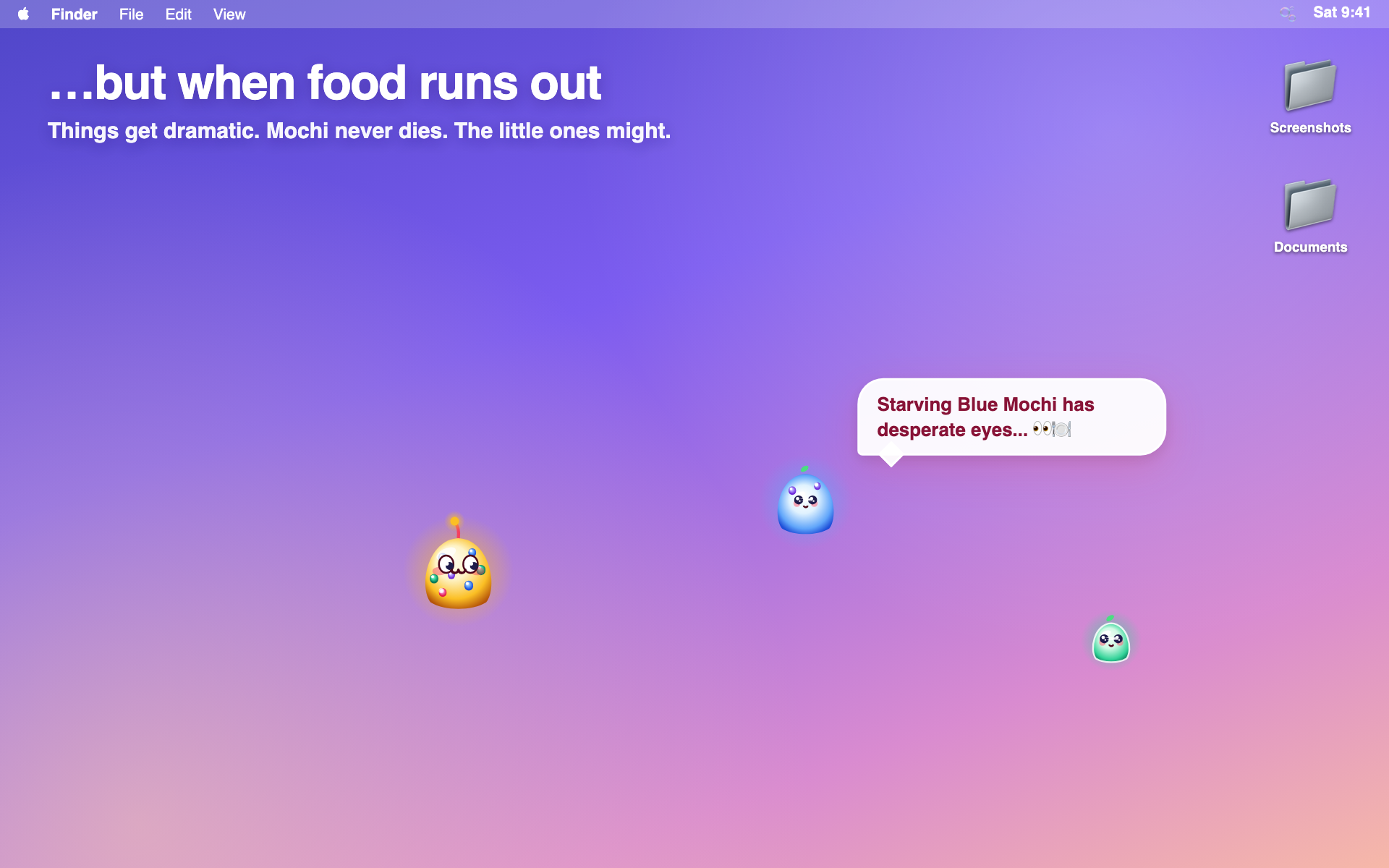
Grow a strawberry tree, build a nest, lay and hatch an egg, and raise a little family — but strawberries are scarce, so keep watering… or things get dramatic. 🍓🥚
👉 Get Mochi Pro on Gumroad (from $5)
Install
Download the .dmg, drag Mochi into Applications and open it.
The first time, macOS will say it can't verify Mochi (it's a free indie app without a paid Apple certificate yet). Click Done, then go to System Settings → Privacy & Security and click Open Anyway. You only do this once. Full steps are in "How to open Mochi.txt" inside the download.
Privacy: runs entirely on your Mac. No account, no tracking.
Requires: macOS 13 (Ventura) or later · Apple Silicon or Intel.
Download
Install instructions
1. Open the Mochi .dmg you downloaded and drag Mochi into Applications.
2. Open Mochi. The first time, macOS says it can't verify Mochi (it's a free indie app without a paid Apple certificate yet). Click Done.
3. Go to System Settings > Privacy & Security, scroll to Security and click "Open Anyway" next to Mochi. Confirm with your password or Touch ID, then click Open.
You only need to do this once. Mochi lives in your menu bar at the top of the screen.
Leave a comment
Log in with itch.io to leave a comment.